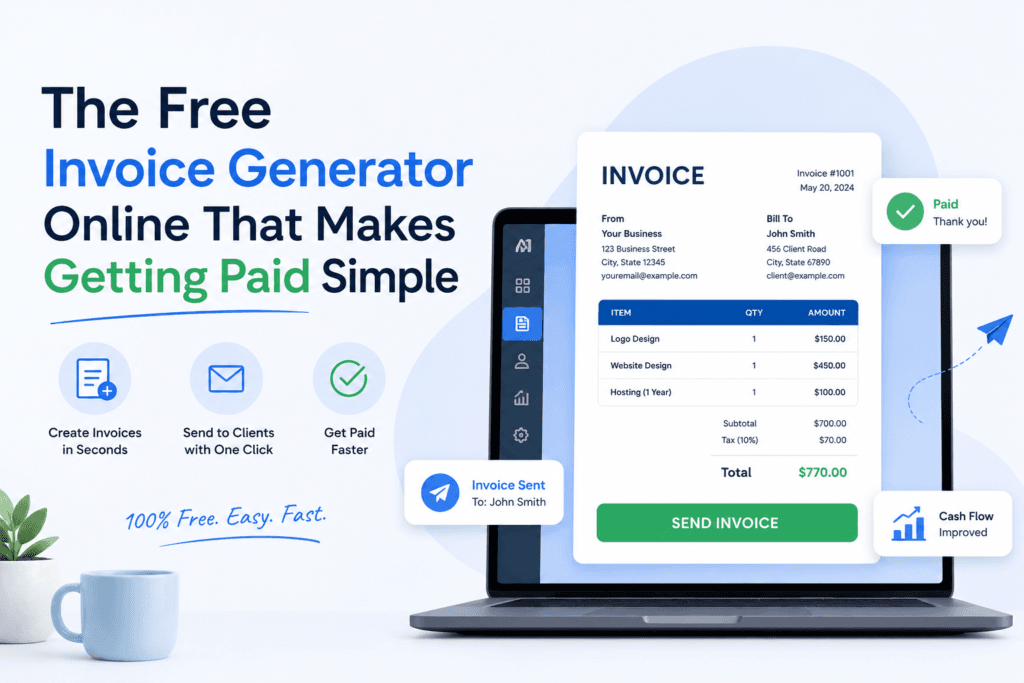
The Free Invoice Generator Online That Makes Getting Paid Simple
A complete, no-fluff guide to creating accurate, professional invoices in minutes — built for U.S. freelancers, contractors, and small businesses who'd rather bill clients than fight with spreadsheets.
Issued 06/12/2026
Due 06/27/2026
Late payments are the single most common cash-flow problem reported by U.S. freelancers and small business owners. A surprising amount of that delay traces back to one fixable thing: the invoice itself. Missing a due date, an unclear line item, or a confusing total gives a client a reason — even a polite, unintentional one — to put your payment at the bottom of the pile.
This guide breaks down exactly how to fix that, using the free Toolriz invoice generator as the example tool throughout. You'll learn what a professional invoice actually needs to contain under standard U.S. business practice, how to structure payment terms so clients pay faster, the mistakes that quietly cost freelancers money every month, and how to generate a polished, branded invoice in about ninety seconds flat.
Why Your Invoice Format Matters More Than You Think
An invoice isn't just a request for money — it's a document your client's bookkeeper, accountant, or finance team will read, file, and potentially reference months later during tax season. Every invoice you send becomes a small, permanent impression of how seriously you run your business.
A clean, properly structured invoice does three things at once:
- It removes ambiguity. When the scope of work, quantities, and total are crystal clear, there's nothing for a client to question or delay over.
- It signals legitimacy. Consistent invoice numbering, your business details, and professional formatting tell a client (and their accountant) that you run an organized operation worth paying promptly.
- It protects you. A dated, itemized invoice is your paper trail — useful for your own bookkeeping, for resolving disputes, and for tax reporting.
What Is an Online Invoice Generator?
An online invoice generator is a web-based tool that lets you build a complete, professional invoice — business details, client information, itemized charges, taxes, and totals — directly in your browser, then export it as a ready-to-send PDF without needing accounting software, templates, or manual formula-building in a spreadsheet.
Unlike a static template downloaded from a search result, a generator like Toolriz's calculates your totals automatically, keeps your formatting consistent across every invoice you create, and lets you produce a finished, branded document in less time than it would take to format one in Word.
What Makes the Toolriz Invoice Generator Different
There's no shortage of invoice tools online. Most either lock essential features behind a paywall or require an account just to download a single PDF. Here's what sets the Toolriz invoice generator apart for U.S. freelancers and small businesses specifically:
1. Genuinely Free — No Forced Upgrade
Many "free" invoice tools brand your PDF with their logo unless you pay. Toolriz's tool produces a clean, fully branded invoice with your own business name and logo, at no cost, with no usage cap.
2. Zero Signup Friction
You don't need to create an account, confirm an email, or hand over a credit card to use the tool. Open it, fill in your invoice, and download — done.
3. Built for U.S. Formatting Standards
The generator defaults to U.S. dollar currency formatting and MM/DD/YYYY date conventions, and includes the fields American clients and accountants expect to see, including a dedicated sales tax line and a payment terms note.
4. Automatic, Error-Free Calculations
Line totals, subtotals, tax, and the grand total recalculate instantly as you type — eliminating the manual math errors that are common in hand-built spreadsheet invoices.
5. Instant, Print-Ready PDF Export
Your finished invoice downloads as a clean PDF, ready to email to a client or attach inside accounting platforms like QuickBooks, Wave, or FreshBooks for your own records.
6. Fully Responsive on Any Device
Whether you're wrapping up a job site visit and invoicing from your phone, or sitting at a desktop at the end of the month, the layout adapts cleanly to any screen size.
How to Create a Professional Invoice in 5 Steps
-
Add your business details
Enter your business or freelance name, address, email, and phone number. Upload your logo so the invoice carries your branding from the first line.
-
Enter your client's information
Add your client's name, business name (if applicable), and billing address exactly as they'll need it for their own records.
-
List each product or service
Add a clear description, quantity, and rate for every line item. The tool calculates each line total and the running subtotal automatically.
-
Set your payment terms
Assign an invoice number, issue date, and due date. Add a note specifying terms such as "Net 15" or "Net 30," which are standard across U.S. business practice.
-
Download and send
Export your invoice as a polished PDF and send it straight to your client by email — no formatting clean-up required.
Ready to try it yourself? Open the Toolriz invoice generator and have your first invoice finished before your coffee gets cold.
What Every U.S. Invoice Should Include
To stay organized, get paid faster, and keep clean records for tax season, every invoice you send should include the following:
| Element | Why it matters |
|---|---|
| Unique invoice number | Keeps your own bookkeeping organized and makes it easy to reference a specific invoice in any conversation. |
| Your business name & contact info | Confirms who the payment is going to and how the client can reach you with questions. |
| Client's name & billing address | Required for the client's own accounting and, where applicable, tax recordkeeping. |
| Itemized description of work | Removes ambiguity about what's being billed, reducing back-and-forth questions. |
| Issue date & due date | Sets a clear expectation for when payment is owed — invoices without a due date get paid slower, on average. |
| Subtotal, tax, and total due | Gives a transparent breakdown rather than a single unexplained number. |
| Accepted payment methods | Removes friction at the moment your client is ready to pay. |
Understanding U.S. Payment Terms (Net 15, Net 30, and Due on Receipt)
Payment terms tell your client exactly when an invoice is due, counted from the issue date:
- Due on receipt — payment is expected immediately upon delivery of the invoice. Common for small, one-off jobs.
- Net 15 — payment is due within 15 days of the invoice date. A common middle ground for freelancers working with smaller clients.
- Net 30 — payment is due within 30 days. This is the most widely used standard among U.S. businesses, particularly with corporate or enterprise clients.
- Net 60 — payment is due within 60 days. Typically reserved for larger contracts or clients with slower internal payment cycles.
Whichever term you choose, state it explicitly on the invoice rather than assuming the client knows your expectation. Vague terms are one of the quietest causes of late payments.
Common Invoicing Mistakes That Cost Freelancers Money
- Skipping the invoice number. Without one, you lose the ability to quickly track which invoices are paid, overdue, or disputed.
- Leaving out a due date. "Please pay soon" is not a deadline — and clients will treat it accordingly.
- Bundling services into one vague line item. "Consulting — $2,000" invites questions. A breakdown by task or hours invites none.
- Inconsistent formatting between invoices. Switching templates or layouts every month makes your bookkeeping, and your brand, look disorganized.
- Forgetting to follow up. Even a great invoice can get buried in an inbox — a polite reminder a few days after the due date is standard, professional practice.
Free Invoice Generator vs. Spreadsheet vs. Accounting Software
| Method | Best for | Cost | Setup time |
|---|---|---|---|
| Free invoice generator (e.g., Toolriz) | Freelancers and small businesses sending occasional or moderate invoice volume | $0 | Under 2 minutes |
| Spreadsheet template | Anyone willing to manually build and maintain formulas | $0, but high time cost | 30–60 minutes initial setup, ongoing upkeep |
| Full accounting software | Businesses needing recurring billing, expense tracking, and bookkeeping in one platform | Typically $15–$60+/month | Hours, plus a learning curve |
Many freelancers and small businesses start with a free generator like Toolriz's, and only move to paid accounting software once their invoicing volume and bookkeeping needs grow — there's no reason to pay for complexity you don't need yet.
Who This Tool Is Built For
- Freelancers — writers, designers, developers, and consultants billing clients directly for project work.
- Small business owners — local service and retail businesses that need fast, professional billing without dedicated accounting staff.
- Contractors and tradespeople — plumbers, electricians, landscapers, and home service providers invoicing from the field.
- Agencies and consultants — teams billing multiple clients on recurring schedules.
- Gig workers and side-hustlers — anyone monetizing skills outside a traditional job who needs to look professional from invoice number one.
Every feature — branding, PDF export, unlimited invoices — is free to use.
Generate and download an invoice without ever creating a login.
USD formatting, U.S. date conventions, and standard invoice fields built in.
Privacy and Data Handling
Because the Toolriz invoice generator doesn't require an account, you're not asked to hand over personal information just to create a document. Your invoice details are used to generate your PDF in your current session — there's no marketing list to join and no client database being built behind the scenes. If you're invoicing sensitive client information, it's still good practice to send the finished PDF over a secure channel, such as direct email rather than a public link.
Toolriz Editorial Team
Reviewed for accuracy · Small business toolsThis guide was prepared and reviewed by the Toolriz editorial team, which focuses on building and documenting free, practical tools for U.S. freelancers and small business owners. Content is reviewed periodically to stay aligned with current U.S. invoicing conventions and is not a substitute for advice from a licensed accountant or attorney.
Frequently Asked Questions
Is the Toolriz invoice generator really free to use?
Yes. The tool is completely free, with no subscription fees, no forced watermark, and no limit on how many invoices you create and download.
Do I need to create an account to generate an invoice?
No account or sign-up is required. Open the tool, fill in your invoice details, and download a finished PDF immediately.
Is this invoice generator suitable for U.S. small businesses and freelancers?
Yes. The tool is formatted for U.S. dollar currency, U.S. date formats, and the standard invoice fields commonly expected by American clients, bookkeepers, and accountants.
What file format does the finished invoice download as?
Every invoice generates as a clean, print-ready PDF you can email directly to a client or save for your own records.
Can I add my business logo and branding to the invoice?
Yes. You can upload your logo and the generator places it in the invoice header so every document reflects your brand consistently.
Does the invoice generator calculate totals and tax automatically?
Yes. As you enter quantities and rates for each line item, the tool automatically calculates line totals, subtotal, tax, and the final amount due.
Is my business and client information stored anywhere?
The generator processes your invoice details for the purpose of creating your document, without requiring an account or ongoing storage of your information.
Can I use the tool on my phone instead of a computer?
Yes. The invoice generator is fully responsive and works smoothly on phones, tablets, and desktops, so you can send an invoice straight from a job site.
What's the difference between a free invoice generator and accounting software?
A free invoice generator focuses on quickly creating and downloading a single professional invoice. Full accounting software typically tracks ongoing bookkeeping, expenses, and recurring billing for a monthly fee. Many freelancers start with a free generator and move to paid software only once invoicing volume grows.
What should every invoice include for U.S. clients?
A complete invoice should include a unique invoice number, your business name and contact details, the client's name and address, an itemized list of products or services, the issue date and due date, the total amount due, and accepted payment methods.
Stop Formatting. Start Invoicing.
Create your next professional, U.S.-ready invoice in under two minutes — completely free, no signup required.
Create Your Invoice Now →This guide is intended for general informational purposes and does not constitute legal, tax, or accounting advice. Invoicing requirements, sales tax obligations, and recordkeeping rules vary by state and business type — consult a licensed accountant or attorney for guidance specific to your situation.