
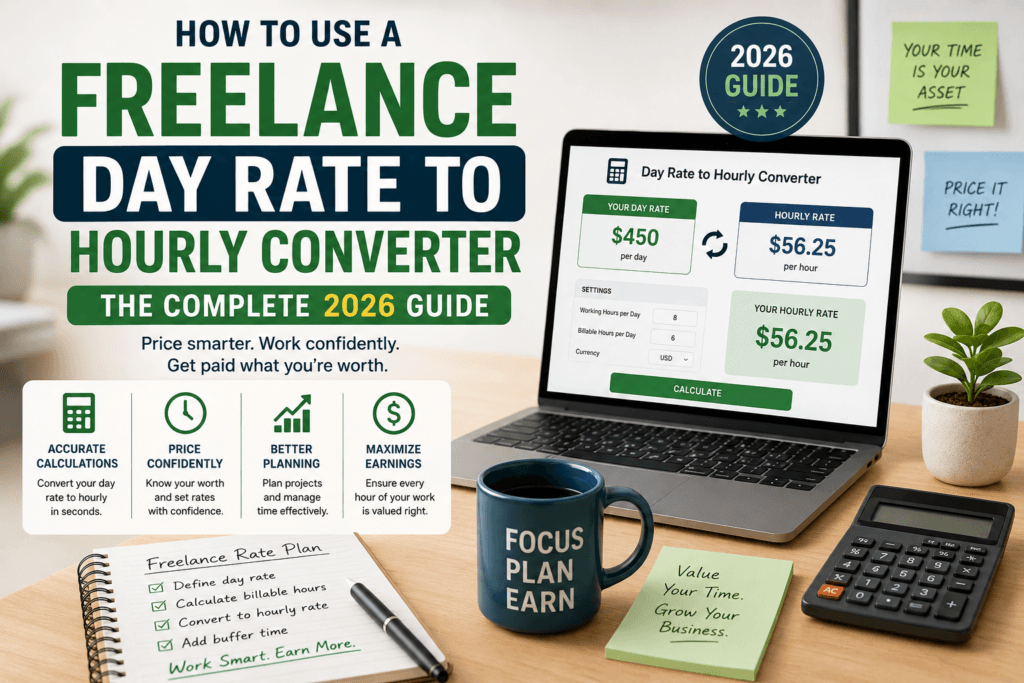
How to Use a Freelance Day Rate to Hourly Converter: The Complete 2026 Guide
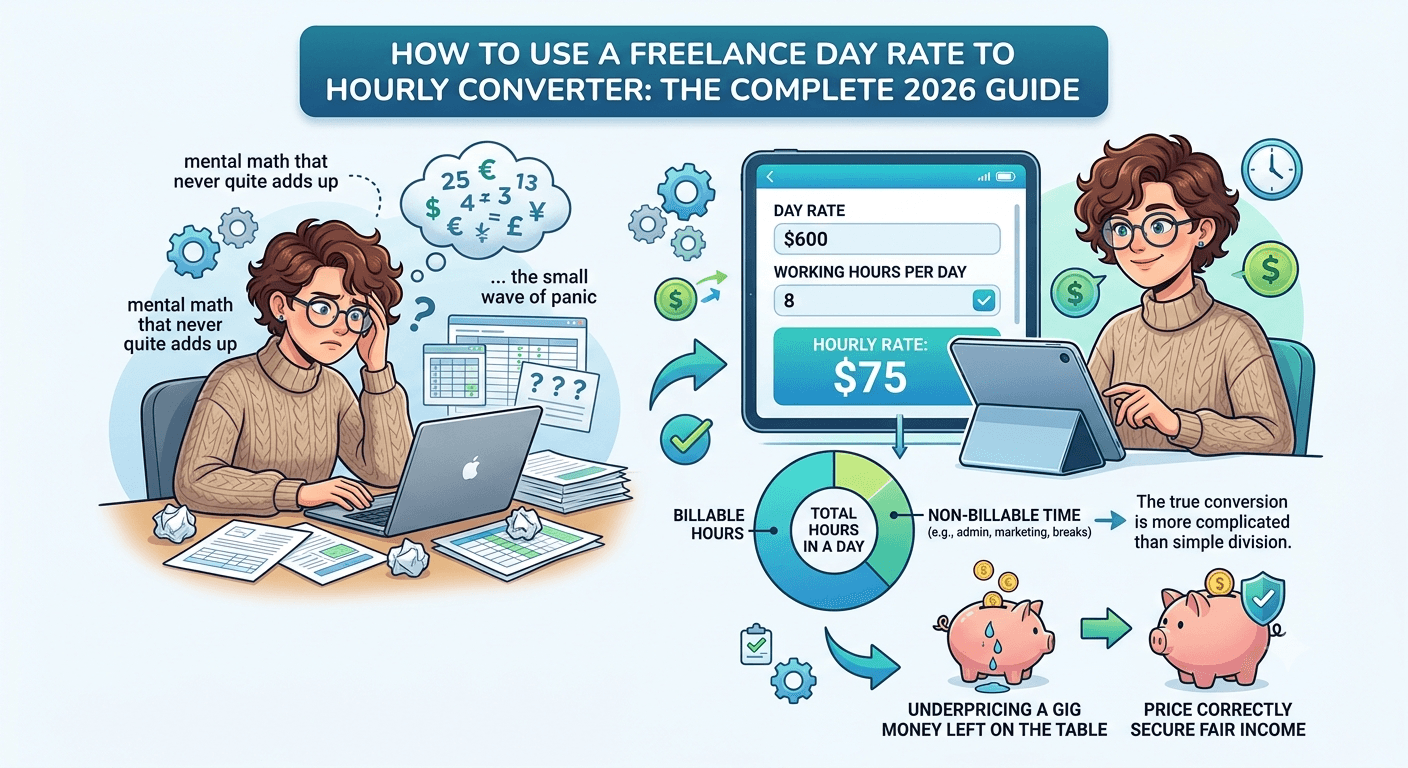
If you have ever stared at a client contract that lists a day rate and felt a small wave of panic because you have no idea what that actually works out to per hour, you are not alone. Freelancers switch between hourly, daily, weekly, and project-based pricing constantly, and every time a new client uses a different format, you are stuck doing mental math that never quite adds up. That confusion costs freelancers real money every single year, either because they underprice a gig or because they walk away from a fair offer without realizing it was actually generous.
This guide walks through exactly how a freelance day rate to hourly converter works, why the conversion is more complicated than simple division, and how to use one correctly so you never leave money on the table again. By the end, you will know how to convert any day rate into an accurate hourly figure, how to price your own day rate from an hourly number, and how to avoid the small errors that quietly drain freelancer income.
Why Freelancers Need to Convert Between Day Rates and Hourly Rates
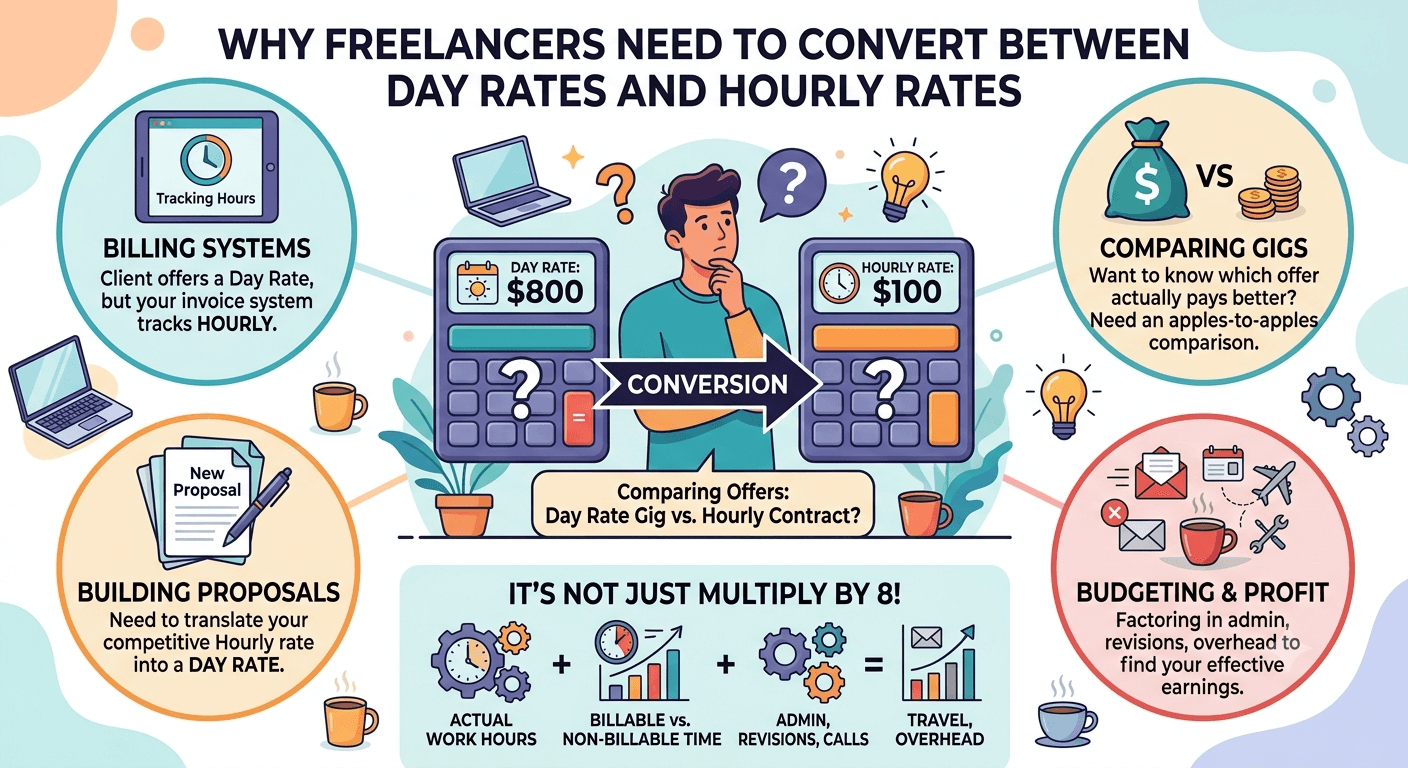
Freelance pricing is not standardized. A marketing consultant might quote a day rate. A web developer might bill hourly. A photographer might use half-day rates. A writer might work per project. When you are comparing offers, negotiating a new contract, or simply trying to understand whether a gig is worth your time, you need everything converted into the same unit so you can compare apples to apples.
This becomes especially important in a few common situations:
- A client offers you a day rate, but your usual invoicing system tracks hours.
- You want to compare a day-rate gig against an hourly contract to see which pays better.
- You are building a proposal and need to translate your hourly rate into a day rate that sounds competitive.
- You are budgeting a multi-week project and need to know your effective hourly earnings once you factor in non-billable time.
A day rate is not simply your hourly rate multiplied by eight. It depends on how many hours you actually work in a day, how many of those hours are billable versus spent on admin, revisions, calls, and travel, and how you want to price in overhead. This is exactly the gap a freelance day rate to hourly converter is built to close.
What Is a Freelance Day Rate to Hourly Converter?
A freelance day rate to hourly converter is a small, purpose-built calculator that takes your day rate (or your hourly rate) along with your real working hours and instantly converts one into the other. Instead of guessing or using a rough eight-hour assumption, the tool lets you plug in your actual billable hours per day so the resulting number reflects how you truly work.
You can try the tool directly here: Freelance Day Rate to Hourly Converter. It is built specifically for freelancers, consultants, and contractors who need a fast, accurate answer without opening a spreadsheet.
The Formula Behind the Conversion
Before using any converter, it helps to understand the math running underneath it. The core formula is straightforward:
Hourly Rate = Day Rate ÷ Billable Hours Per Day
And the reverse conversion looks like this:
Day Rate = Hourly Rate × Billable Hours Per Day
The tricky part is not the arithmetic. It is deciding what number to use for “billable hours per day.” Most freelancers instinctively use eight, since that mirrors a traditional workday. But very few freelancers actually bill eight full hours. Once you subtract time spent on emails, client calls that are not billed, invoicing, proposal writing, and general admin work, your real billable time is often closer to five or six hours, even on a productive day.
This is why using a converter that lets you input your actual billable hours produces a far more honest and useful number than a generic calculation.
Step-by-Step: How to Use the Freelance Day Rate to Hourly Converter
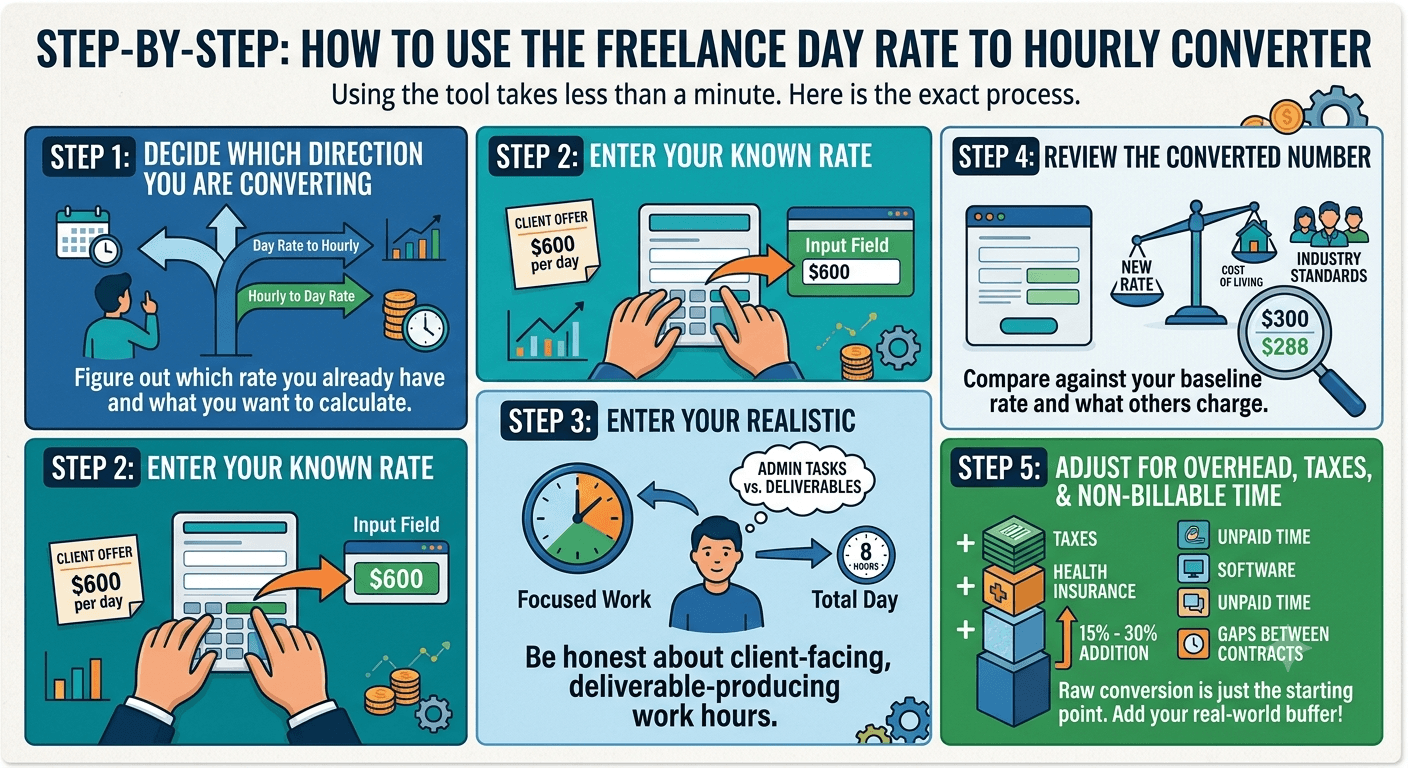
Using the tool takes less than a minute. Here is the exact process.
Step 1: Decide Which Direction You Are Converting
Figure out whether you already have a day rate and want the hourly equivalent, or whether you have an hourly rate and want to know what day rate to quote. The converter handles both directions, so start by identifying which number you already know.
Step 2: Enter Your Known Rate
Type in either your day rate or your hourly rate into the corresponding field. If a client sent you an offer of, say, $600 per day, that is the number you enter.
Step 3: Enter Your Realistic Billable Hours
This is the step most freelancers skip, and it is the one that matters most. Instead of defaulting to eight hours, think honestly about how many hours you spend on actual client-facing, deliverable-producing work in a typical day. If you usually get six solid hours of focused output before admin tasks eat the rest of your day, enter six, not eight.
Step 4: Review the Converted Number
The tool instantly calculates your equivalent hourly or daily figure. Take a moment to compare this against your baseline rate, your cost of living, and what similar freelancers in your industry typically charge.
Step 5: Adjust for Overhead, Taxes, and Non-Billable Time
A raw conversion gives you a mathematically accurate number, but it does not automatically account for the extra costs freelancers carry that employees do not, such as self-employment tax, health insurance, software subscriptions, and unpaid time between contracts. Many freelancers add a buffer of fifteen to thirty percent on top of the converted rate to cover these gaps. The converter gives you the starting number; you apply the real-world adjustment on top of it.
Worked Example: Converting a Day Rate to an Hourly Rate
Let’s say a client offers a freelance graphic designer a day rate of $500. The designer wants to know what that translates to hourly before deciding whether to accept.
| Scenario | Billable Hours Assumed | Resulting Hourly Rate |
|---|---|---|
| Standard 8-hour assumption | 8 hours | $62.50/hour |
| Realistic freelance workload | 6 hours | $83.33/hour |
| Focused, low-admin day | 5 hours | $100/hour |
Notice how dramatically the hourly figure changes depending on how many hours are actually billable. If the designer assumes an eight-hour day but only manages five hours of real client work once emails, revisions, and calls are subtracted, they might undervalue an offer that is actually quite strong once billable hours are accounted for correctly. This is precisely the kind of miscalculation a proper converter prevents.
Worked Example: Converting an Hourly Rate to a Day Rate
Now imagine a freelance copywriter who normally charges $75 per hour and wants to quote a day rate for a client who prefers to pay by the day instead of the hour.
| Billable Hours in the Day | Suggested Day Rate |
|---|---|
| 5 hours | $375 |
| 6 hours | $450 |
| 7 hours | $525 |
The copywriter can now confidently propose a day rate that matches their existing hourly value instead of guessing a round number that might undersell their time.
Common Mistakes Freelancers Make With Day Rate Conversions
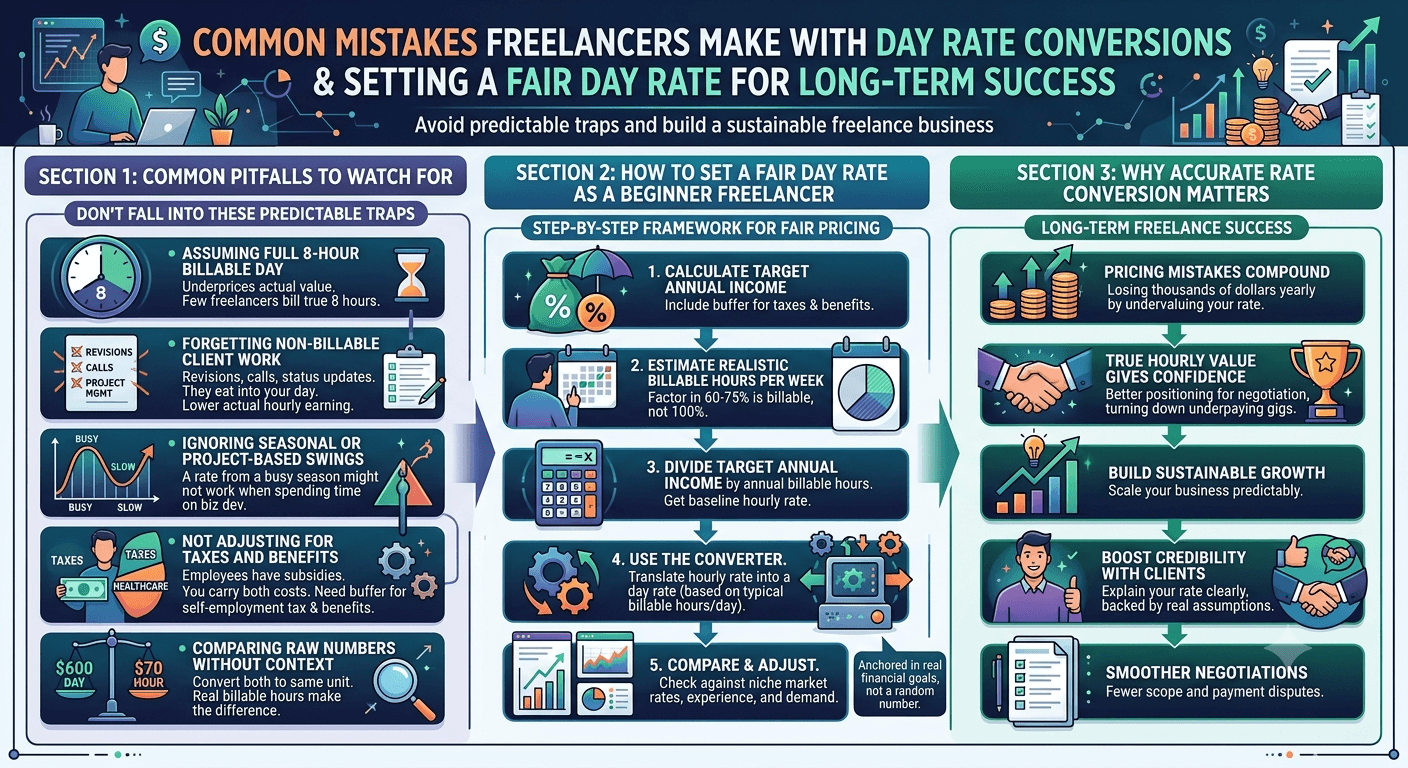
Even experienced freelancers fall into a few predictable traps when converting rates. Here are the ones worth watching for.
Assuming a full eight-hour billable day. As covered above, very few freelancers bill a true eight hours. Using this assumption almost always underprices your actual hourly value.
Forgetting non-billable client work. Revisions, discovery calls, project management, and status updates often are not billed separately, yet they eat into your day. If these hours are not factored in, your converted rate will look higher than what you are actually earning per hour worked.
Ignoring seasonal or project-based swings. A day rate that works well during a busy season might not hold up during slower months when you are spending more time on business development than billable work. Recalculate periodically rather than setting a rate once and never revisiting it.
Not adjusting for taxes and benefits. Employees typically have taxes withheld and benefits subsidized by an employer. Freelancers carry both costs themselves. A converted rate that does not build in a buffer for self-employment tax and benefits will consistently fall short of what a comparable salaried role would actually pay.
Comparing raw numbers without context. A $600 day rate might sound better than a $70 hourly rate on the surface, but once you convert both to the same unit and account for real billable hours, the comparison can flip entirely. Always convert before comparing.
How to Set a Fair Day Rate as a Beginner Freelancer
If you are new to freelancing and unsure where to start, use this general framework alongside the converter:
- Calculate your target annual income, including a buffer for taxes and benefits.
- Estimate your realistic billable hours per week, accounting for the fact that most freelancers bill 60 to 75 percent of their working hours, not 100 percent.
- Divide your target annual income by your annual billable hours to get a baseline hourly rate.
- Use the converter to translate that hourly rate into a day rate based on your typical billable hours per day.
- Compare the result against market rates for your niche and adjust based on experience, demand, and specialization.
This method anchors your day rate in real financial goals rather than a number pulled out of thin air.
Why Accurate Rate Conversion Matters for Long-Term Freelance Success
Pricing mistakes compound. A freelancer who consistently undervalues a day rate by even ten dollars an hour, multiplied across hundreds of billable hours a year, can lose thousands of dollars in income they never realize they were missing. On the flip side, freelancers who understand their true hourly value are better positioned to negotiate confidently, turn down underpaying gigs, and scale their business sustainably.
Accurate conversion also builds credibility with clients. When you can clearly explain how your day rate breaks down into an hourly figure, backed by real billable-hour assumptions, you come across as organized and professional rather than someone guessing at numbers. That clarity often leads to smoother negotiations and fewer disputes over scope and payment later in the project.
Frequently Asked Questions
What is a good day rate for a freelancer in 2026?
There is no single universal number, since day rates vary widely by industry, experience level, and location. The most reliable approach is to calculate your target hourly rate first, based on your income goals and realistic billable hours, then convert that into a day rate using a tool built for this exact purpose.
How many hours should I assume are billable in a day?
Most freelancers realistically bill between five and seven hours out of an eight-hour workday, once admin tasks, communication, and unbilled revisions are subtracted. Track your own time for a few weeks to find your personal average rather than relying on a generic assumption.
Is a day rate always better than an hourly rate?
Not necessarily. A day rate can protect you from scope creep on projects with unpredictable hours, but it can also undervalue your time on days when the work runs long. Converting both options into the same unit before comparing is the only reliable way to know which structure benefits you more for a specific project.
Should freelancers include overhead costs in their day rate?
Yes. Software subscriptions, health insurance, retirement savings, and self-employment taxes are all costs a freelancer carries that an employee typically does not. Building a buffer into your converted rate helps ensure your day rate actually supports your full cost of doing business, not just your take-home pay.
Can I use the same converter for weekly or project-based rates?
The core day-to-hourly formula can be extended to weekly rates by dividing your weekly figure by your total billable hours for the week. For project-based work, estimate the total hours the project will realistically require, then divide your target payment by that number to check whether the project rate holds up hourly.
Try the Converter and Take the Guesswork Out of Your Pricing
Manually converting rates with a calculator app works in a pinch, but it is easy to make small errors that add up over a full year of freelancing. A dedicated tool removes that risk and gives you a number you can trust in seconds.
You can use the converter right now here: Freelance Day Rate to Hourly Converter.
And if you regularly need other quick calculations for your freelance business, from budgeting to time tracking, browse the full collection of free calculators and utilities here: Free Online Tools.
Knowing your true hourly value is one of the simplest ways to protect your income as a freelancer. Once you build the habit of converting every offer into the same unit before you accept it, you will negotiate with more confidence and stop second-guessing whether a deal is actually worth your time.