
How to Use the Poshmark Payout Calculator: Complete Guide 2026
If you have ever listed an item on Poshmark, sold it for what felt like a good price, and then opened your payout only to feel a little disappointed, you are not alone. Poshmark’s fee structure is simple on paper, but it trips up a lot of sellers in practice, especially once bundles, offers, and shipping get involved. After spending real time listing, pricing, and shipping orders on the platform, I put together this guide to show exactly how a Poshmark Payout Calculator works, why it matters, and how to use one correctly so your pricing strategy in 2026 is based on real numbers instead of guesswork.
By the end of this guide, you will know exactly how Poshmark calculates your earnings, how to use a payout calculator step by step, and how to avoid the small pricing mistakes that quietly eat into a seller’s profit every single month.
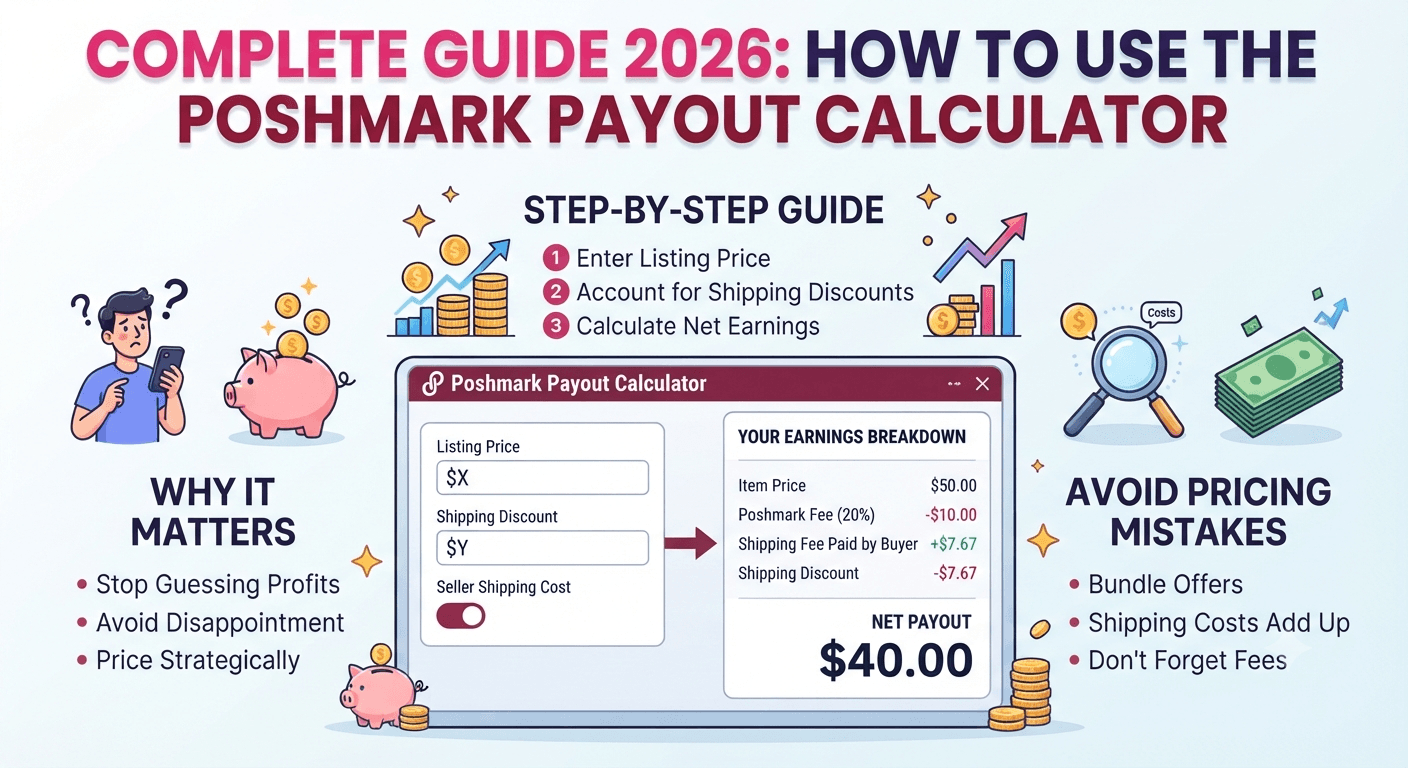
What Is a Poshmark Payout Calculator?
A Poshmark Payout Calculator is a free online tool that tells you exactly how much money you will actually receive after Poshmark deducts its selling fee. Instead of doing mental math every time you list an item or accept an offer, you simply enter the sale price, and the calculator instantly shows your take-home payout.
This matters more than it sounds. Poshmark does not charge a flat percentage across the board. The fee structure changes depending on whether an item sells for under 15 dollars or 15 dollars and above, which means the math is not as simple as “take 20 percent off the top” for every sale. A payout calculator removes that guesswork entirely.
You can try a free, no sign-up version of this tool here: Poshmark Payout Calculator.
Why Poshmark Sellers Need This Tool in 2026
Reselling has grown into a genuine side hustle and, for many people, a full-time income source. With that growth has come more competition, tighter margins, and buyers who compare prices across Poshmark, Mercari, and Depop before committing to a purchase. In this environment, pricing an item without knowing your exact payout is a fast way to undercharge yourself.
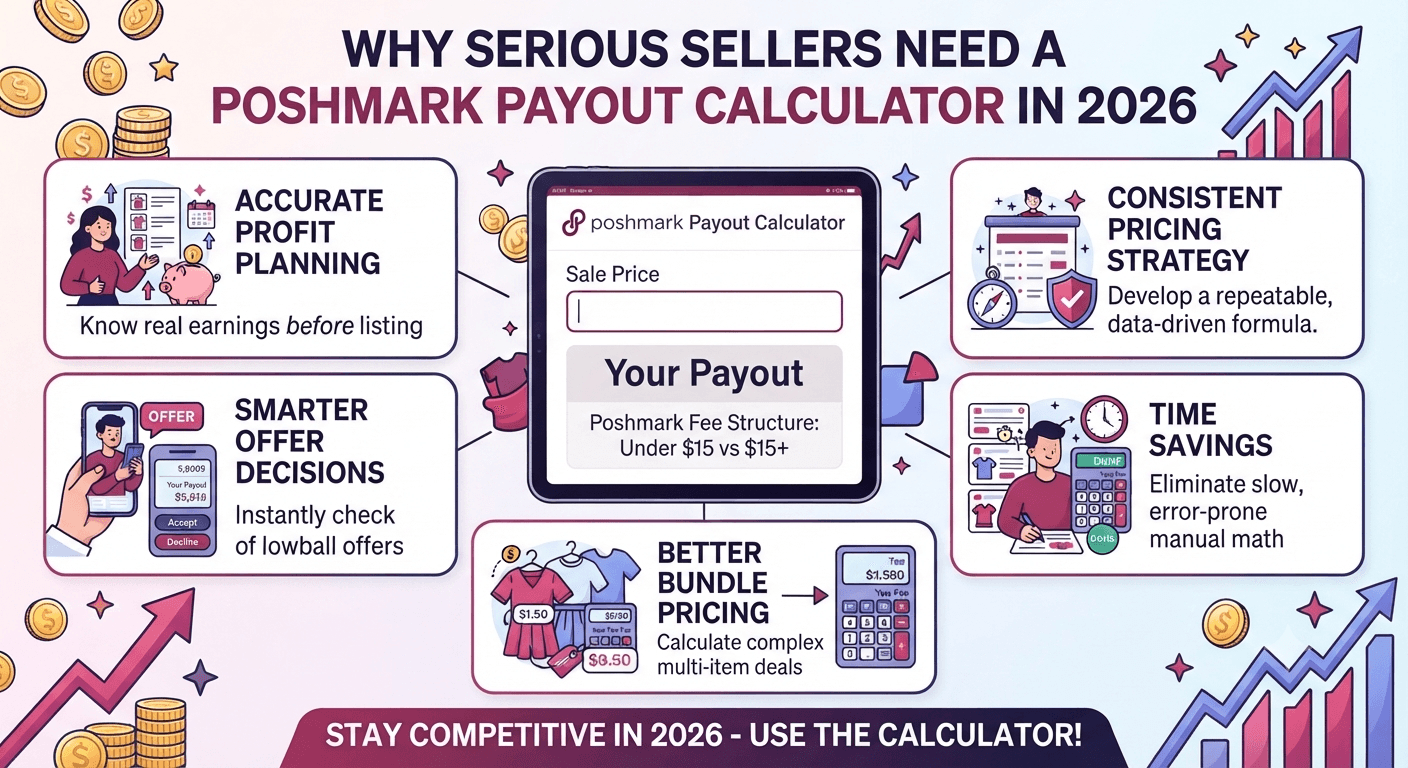
Here is why a payout calculator has become essential for serious sellers this year:
- Accurate profit planning: You know your real earnings before you ever list the item, not after the sale is already final.
- Smarter offer decisions: When a buyer sends a lowball offer, you can instantly see if accepting it still leaves you profitable.
- Better bundle pricing: Bundles change the total sale amount, which changes which fee tier applies. A calculator shows this instantly.
- Time savings: Manual math across dozens of active listings is slow and error-prone. A calculator does it in seconds.
- Consistent pricing strategy: When you know your numbers, you can build a repeatable pricing formula instead of pricing every item by instinct.
Understanding Poshmark’s Fee Structure in 2026
Before using any calculator effectively, it helps to understand what it is actually calculating. Poshmark’s commission structure is based on two simple tiers:
| Sale Price | Poshmark Fee | Seller Keeps |
|---|---|---|
| Under $15 | Flat $2.95 | Sale price minus $2.95 |
| $15 or more | 20% of sale price | 80% of sale price |
This is why a 14.99 dollar sale and a 15.00 dollar sale can feel so different to a seller. Just one cent can shift you from a flat fee into a full 20 percent commission tier. A payout calculator instantly flags exactly where that line sits for your specific listing.
It is also worth noting that this fee is generally applied to the item price, not the shipping amount the buyer pays separately, which is another detail sellers often overlook when doing manual math.
How to Use the Poshmark Payout Calculator: Step-by-Step
Using the calculator takes less than a minute once you know what to enter. Here is the exact process:
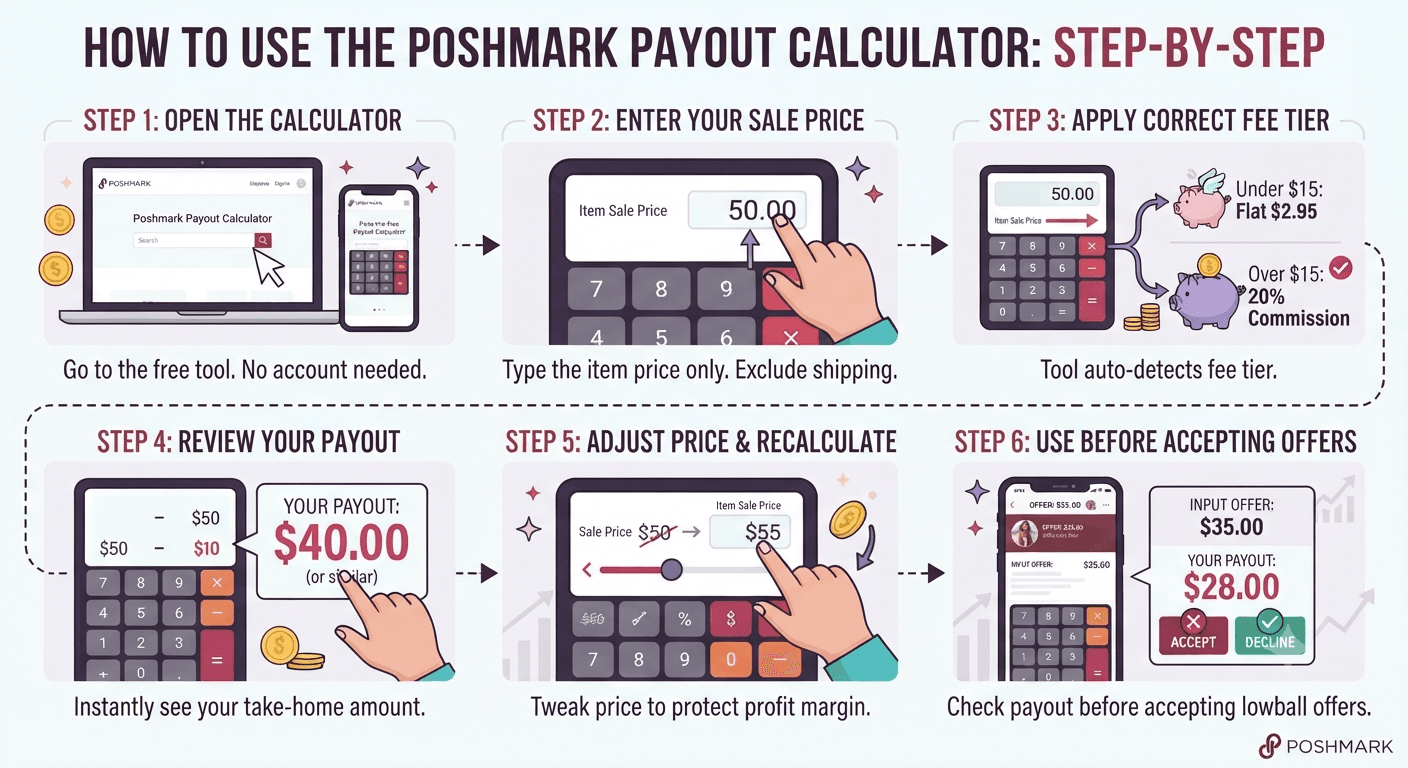
Step 1: Open the Calculator
Go to the free Poshmark Payout Calculator. No account or sign-up is required.
Step 2: Enter Your Sale Price
Type in the exact amount the item sold for, or the price you are considering listing it at. This should be the item price only, not including shipping, since Poshmark’s fee applies to the item amount.
Step 3: Let the Calculator Apply the Correct Fee Tier
The tool automatically detects whether your price falls under the flat 2.95 dollar fee or the 20 percent commission tier, so you do not need to remember the rule yourself.
Step 4: Review Your Payout
The calculator instantly displays your exact take-home amount. This is the number that will actually hit your Poshmark balance after the sale clears.
Step 5: Adjust the Price and Recalculate if Needed
If the payout feels too low for your liking, adjust the sale price and run the calculation again. This back-and-forth is exactly how experienced sellers land on a price that protects their profit margin while still staying competitive.
Step 6: Use It Before Accepting Offers
Before you accept a buyer’s counteroffer, plug the offer amount into the calculator first. This single habit prevents the common mistake of accepting an offer that barely covers your cost of goods.
Real-World Examples: Calculating Your Poshmark Earnings
Numbers make this much easier to understand. Here are three realistic seller scenarios.
Example 1: A Low-Price Item
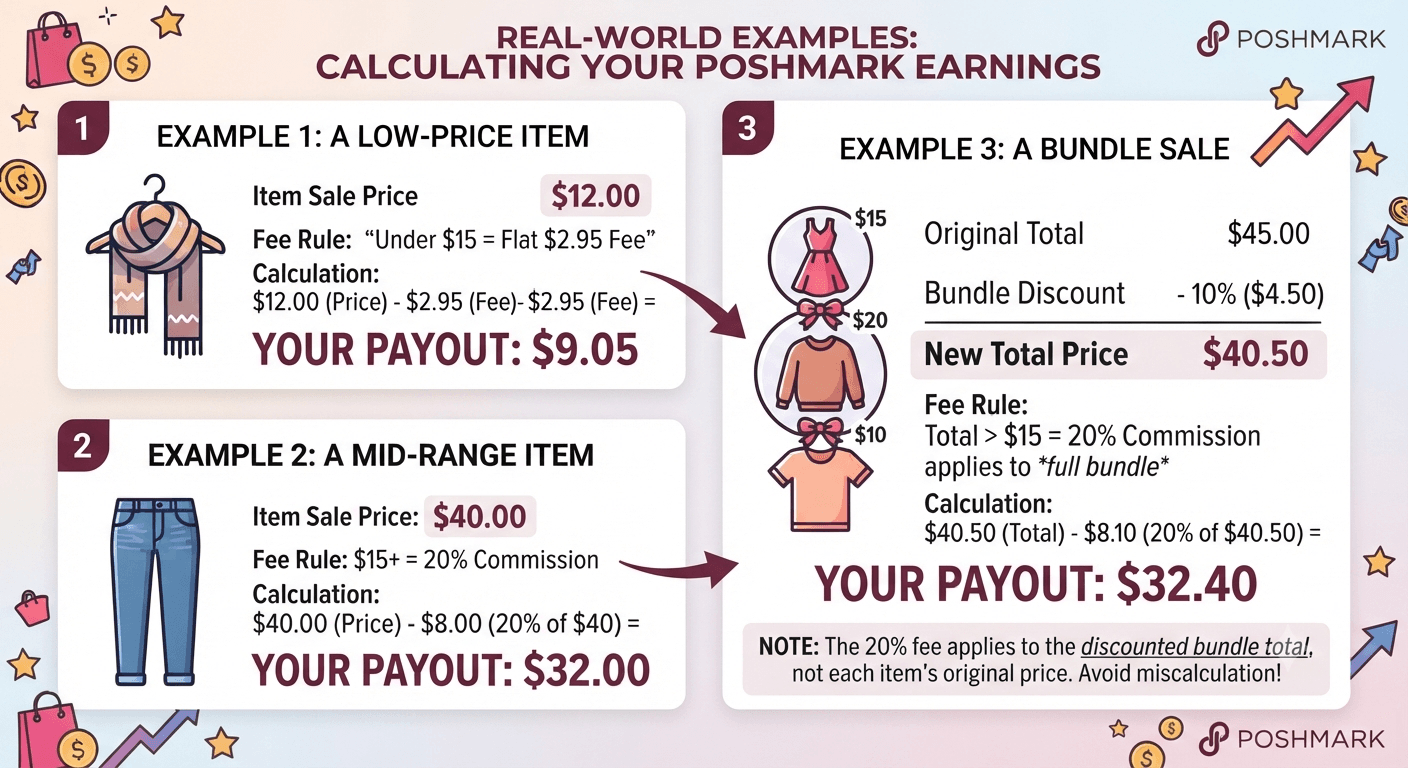
You sell a scarf for 12 dollars. Since this falls under the 15 dollar threshold, Poshmark takes a flat 2.95 dollar fee. Your payout is 9.05 dollars.
Example 2: A Mid-Range Item
You sell a pair of jeans for 40 dollars. This falls into the 20 percent commission tier. Poshmark keeps 8 dollars, and you receive a payout of 32 dollars.
Example 3: A Bundle Sale
A buyer bundles three items originally listed at 15 dollars, 20 dollars, and 10 dollars, totaling 45 dollars before any bundle discount. If you offer a 10 percent bundle discount, the new total becomes 40.50 dollars. Since this total is above 15 dollars, the 20 percent commission applies to the full bundle amount, not each item separately. Your payout would be 32.40 dollars.
This bundle example is exactly where sellers get caught off guard, because it is easy to assume each item is calculated on its own. Running the final bundle total through a payout calculator avoids this mistake completely.
Common Mistakes Sellers Make When Calculating Payouts
Even experienced sellers fall into a few predictable traps. Watch out for these:
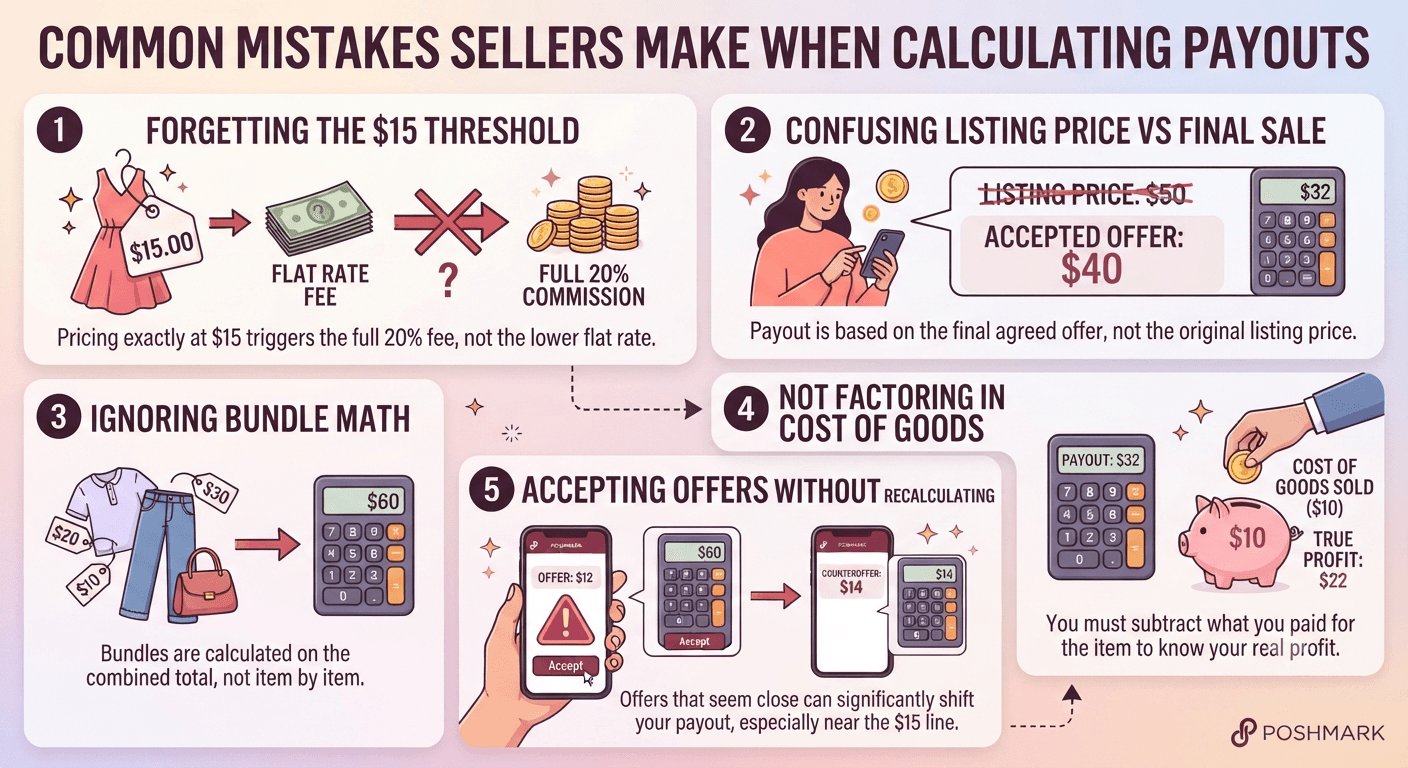
- Forgetting the 15 dollar threshold: Pricing an item at exactly 15 dollars without realizing it triggers the full 20 percent fee instead of the flat rate.
- Confusing listing price with final sale price: After an accepted offer, the payout is based on the final agreed amount, not the original listing price.
- Ignoring bundle math: As shown above, bundles are calculated on the combined total, not item by item.
- Not factoring in cost of goods: A calculator shows your Poshmark payout, but you still need to subtract what you originally paid for the item to know your true profit.
- Accepting offers without recalculating: A counteroffer that seems close to your asking price can still shift your payout significantly, especially near the 15 dollar line.
Tips to Maximize Your Poshmark Payout in 2026
Once you understand the fee structure, a few simple habits can noticeably improve your bottom line over time.
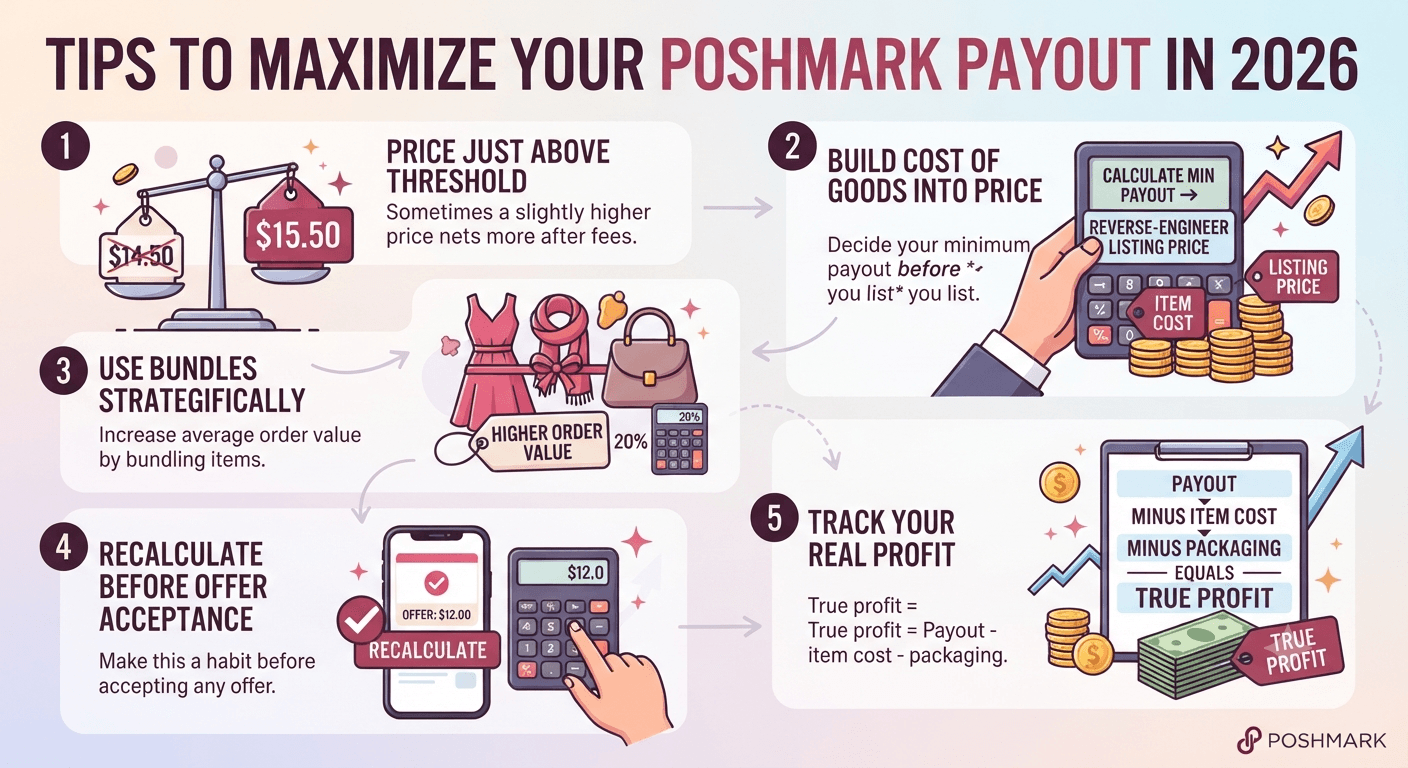
- Price just above the threshold when it makes sense. Sometimes pricing at 15.50 dollars instead of 14.50 dollars still nets you more after fees, depending on the item’s value.
- Build your cost of goods into every listing price. Decide your minimum acceptable payout before you list, and use the calculator to reverse-engineer the listing price.
- Use bundles strategically. Bundling can increase your average order value even after the 20 percent fee, since buyers often spend more per checkout when combining items.
- Recalculate before every offer acceptance. Make this a non-negotiable habit, especially during high-volume sale events.
- Track your real profit, not just your payout. Payout minus item cost minus packaging equals your true profit. The calculator handles the first part; you handle the rest.
Poshmark Payout Calculator vs. Manual Calculation
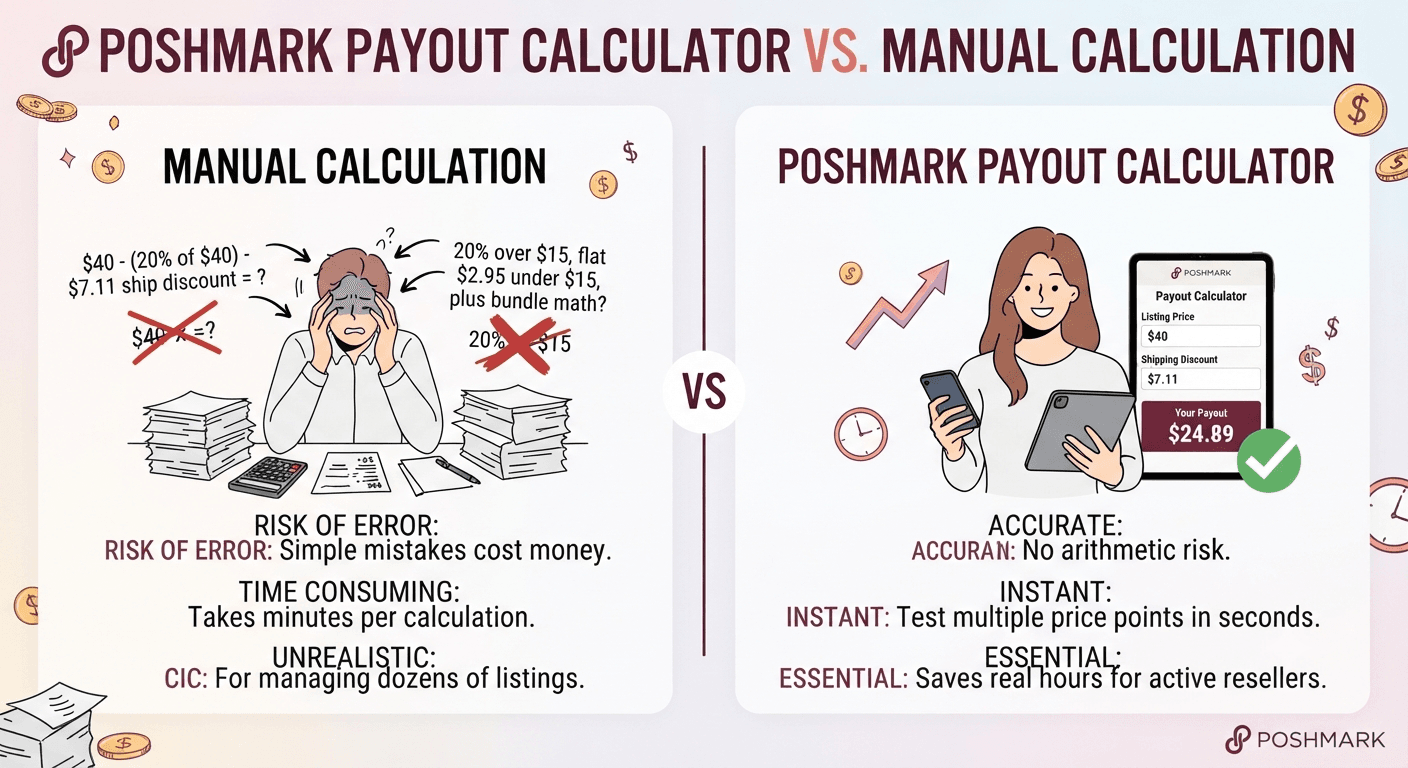
You can absolutely calculate Poshmark fees by hand, and understanding the math is valuable. But manual calculation becomes unrealistic once you are managing dozens or hundreds of active listings, running sales, or negotiating multiple offers a day. A calculator removes the risk of a simple arithmetic mistake costing you real money, and it lets you test different price points in seconds rather than minutes. For active resellers, this small time saving adds up to real hours saved every month.
Frequently Asked Questions
How much does Poshmark take from a sale in 2026?
For sales under 15 dollars, Poshmark charges a flat 2.95 dollar fee. For sales of 15 dollars or more, Poshmark takes 20 percent of the sale price, and the seller keeps the remaining 80 percent.
Is a Poshmark payout calculator free to use?
Yes. Most payout calculators, including the free ToolRiz version, require no sign-up, no download, and no payment.
Does the Poshmark payout calculator include shipping costs?
A properly built calculator focuses on the item price, since Poshmark’s commission is applied to the item amount rather than the separate shipping charge paid by the buyer.
Why does my Poshmark payout look lower than expected?
This usually comes down to forgetting the 20 percent commission on sales above 15 dollars, miscalculating a bundle discount, or basing expectations on the listing price instead of the final agreed sale price.
Can I use a Poshmark payout calculator before listing an item?
Yes, and this is one of the most useful ways to use it. Entering your target sale price before you list helps you confirm the price still leaves you with a fair profit after Poshmark’s fee is deducted.
Does the fee percentage change for Poshmark closet clout or top sellers?
No. The standard 20 percent commission on sales of 15 dollars or more, and the flat 2.95 dollar fee under 15 dollars, applies broadly to individual seller accounts regardless of closet performance.
Final Thoughts
Pricing on Poshmark does not have to feel like guesswork. Once you understand exactly how the platform’s fee structure works, and you build the habit of checking your numbers with a payout calculator before you list, price, or accept an offer, you put yourself in control of your margins instead of being surprised by them. It is a small habit that takes less than a minute per item, but it compounds into real, measurable savings over a year of active selling.
Ready to check your own numbers? Try the free Poshmark Payout Calculator and see your exact take-home payout in seconds. You can also explore more free resources for online sellers on the ToolRiz free tools page.