

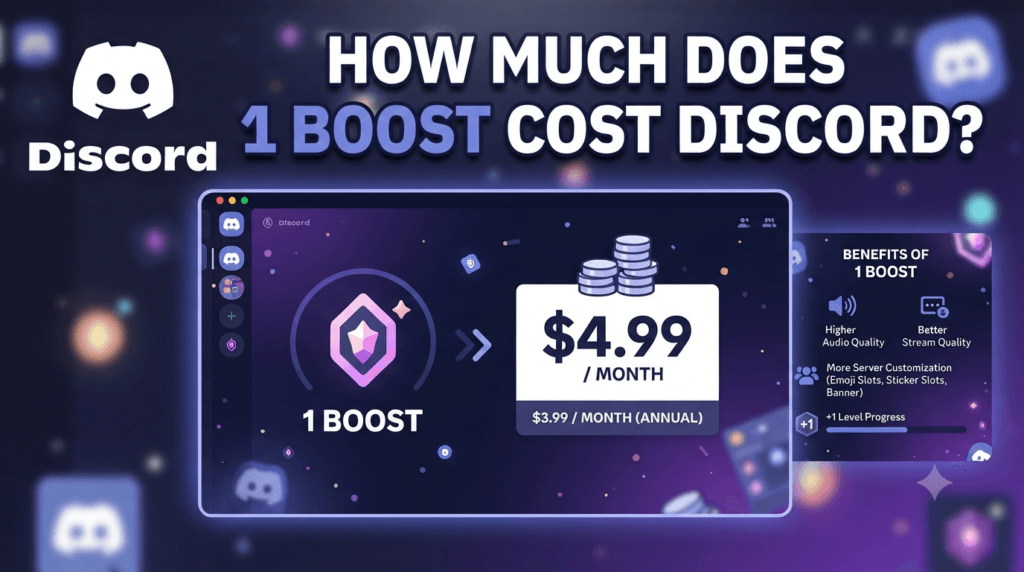
How Much Does 1 Boost Cost Discord?
Stop guessing your community server budget. Learn the exact cost of a single Discord boost, Nitro discounts, and how to calculate your path to Level 3 in 2026.
A single Discord server boost costs $4.99 per month without a Discord Nitro subscription. However, if the user has an active Discord Nitro subscription ($9.99/mo), they receive a 30% discount on all boosts, lowering the cost of a single boost to $3.49 per month. To reach Level 1, a server needs 2 boosts, costing roughly $7.00 to $10.00 per month depending on who is boosting. Use the Toolriz Calculator here to find your exact community cost.
- The 2026 Discord Community Landscape
- How Much Does 1 Boost Cost?
- The Nitro 30% Discount Math
- Server Levels: 1, 2, and 3 Requirements
- What Perks Do You Actually Get?
- How to Use the Discord Boost Calculator
- Real-World Example: Reaching Level 2
- What Happens When a Boost Expires?
- Frequently Asked Questions
The 2026 Discord Community Landscape
Discord has evolved from a simple gamer VoIP app into the premier hub for online communities, businesses, and content creators. In 2026, managing a Discord server is akin to managing a digital city. To attract and retain members, server admins must offer premium features: higher audio quality, more emoji slots, and better upload limits. These features are unlocked via Server Boosts.
However, server boosts are not free. They represent a micro-economy within Discord, where users pool their money to collectively upgrade a server. The most common question asked by new admins and members alike is simple: How much does 1 boost cost?
While the base price is straightforward, the math becomes complex when you factor in Discord Nitro discounts, regional taxes, and the compounding cost of reaching Level 3 (14 boosts). Misunderstanding this math can lead to servers losing their tier status overnight when members cancel their subscriptions.
This guide breaks down the exact cost of a Discord boost in 2026, explains the tier system, and shows you how to use a Discord Server Boost Calculator to forecast your community’s monthly budget.
Servers lose levels because members don’t realize their personal $4.99 subscription is the linchpin holding the server at Level 2. Calculating the exact monthly cost ensures admins can find “whales” (Nitro subscribers) to fill the gaps when free boosters leave.
How Much Does 1 Boost Cost?
For a standard user with no Discord Nitro subscription, a single server boost costs $4.99 per month.
This is a recurring monthly subscription that automatically renews until canceled. When a user clicks the “Boost” button on a server, they are initiating this $4.99 charge. They are essentially donating $4.99 worth of server upgrades to that specific community.
It is important to note that Discord also charges local taxes depending on your region (e.g., VAT in Europe or local sales tax in the US). The $4.99 is the base price, but the final checkout total might be slightly higher ($5.30 to $5.50) depending on local digital goods tax laws.
The Nitro 30% Discount Math
This is where the pricing gets interesting. Discord wants to incentivize users to buy their premium subscription, Discord Nitro ($9.99/mo). To do this, they offer a 30% discount on all server boosts for users who have an active Nitro subscription.
If a user has Nitro, their cost to boost a server drops from $4.99 to $3.49 per month. Over a year, a Nitro user saving $1.50 per boost saves $18.00 annually per boost.
Furthermore, Discord Nitro users get 2 free boosts included with their $9.99 subscription. However, those “free” boosts are only active as long as the user pays for Nitro. If they cancel Nitro, the free boosts vanish from the server. For a deep dive into maximizing this, check out The Ultimate Discord Server Boost Calculator Guide.
Server Levels: 1, 2, and 3 Requirements
You cannot just buy 1 boost and get all the perks. Discord uses a tiered system requiring multiple boosts to unlock better features. The cost to reach each tier depends heavily on whether your community members are using the $4.99 standard rate or the $3.49 Nitro rate.
| Server Level | Boosts Required | Monthly Cost (Standard) | Monthly Cost (All Nitro) |
|---|---|---|---|
| Level 1 | 2 | $9.98 / mo | $6.98 / mo |
| Level 2 | 7 | $34.93 / mo | $24.43 / mo |
| Level 3 | 14 | $69.86 / mo | $48.86 / mo |
As the table shows, a Level 3 server powered entirely by Nitro users saves the community over $20 a month ($240+ a year) compared to standard users boosting. This is why admins often prioritize recruiting Nitro users.
What Perks Do You Actually Get?
Paying $4.99 a month for a “boost” sounds abstract. What does it actually mean for the server? Here is the breakdown of what unlocks at each tier.
Level 1 Perks (2 Boosts)
- Audio Quality: 128 kbps (up from standard 64 kbps).
- Emoji Slots: +50 custom emoji slots.
- Go Live Streams: 720p 60fps streaming.
- Upload Limit: 25 MB (up from 10 MB).
Level 2 Perks (7 Boosts)
- Audio Quality: 256 kbps.
- Emoji Slots: +50 more (100 total extra).
- Go Live Streams: 1080p 60fps streaming.
- Upload Limit: 50 MB.
- Custom Server Invite Background: Allows a custom image when people click your invite link.
- Server Icon: Animated server icon (GIF support).
Level 3 Perks (14 Boosts)
- Audio Quality: 384 kbps (crucial for music bots and podcasts).
- Emoji Slots: +100 more (250 total extra).
- Upload Limit: 100 MB.
- Vanity URL: A custom discord.gg/yourname link.
How to Use the Discord Boost Calculator
Because servers have a mix of standard users ($4.99) and Nitro users ($3.49, plus 2 free boosts), calculating the exact monthly financial health of a server is complex. The Toolriz Discord Server Boost Calculator was built to solve this.
Input Total Boosts Needed
Enter the number of boosts required for your target level (e.g., 14 for Level 3).
Add Free Nitro Boosts
Enter how many of your community members are using their 2 free Nitro boosts towards the server. These cost $0 to the server.
Input Paid Boosts
Enter how many boosts are being paid for. Separate them by Standard ($4.99) and Nitro Discount ($3.49) if possible for exact math.
Calculate Cost
The tool instantly outputs your total monthly community spend and shows if you have enough boosts to maintain your current Level.
Identify Deficits
If your server is at 6 boosts (Level 1) and needs 7 for Level 2, the calculator shows exactly how much 1 more boost will cost the community.
Plan Community Events
Use the data to run “Boost Drive” events. If you need $3.49 to hit Level 2, you can ask one member to step up.
Track Monthly Budget
If admins are reimbursing members or paying for boosts out of pocket, the tool calculates the monthly burn rate.
Real-World Example: Reaching Level 2
Let’s walk through a real scenario. A gaming guild wants to reach Level 2 (7 boosts) to unlock 1080p streaming and an animated icon.
- Member A (Nitro): Uses 1 of their 2 free Nitro boosts. (Cost to server: $0.00)
- Member B (Nitro): Uses both of their free Nitro boosts. (Cost to server: $0.00)
- Member C (Nitro): Buys 2 extra boosts at the Nitro discount. (Cost: $3.49 × 2 = $6.98/mo)
- Member D (No Nitro): Buys 1 standard boost. (Cost: $4.99/mo)
- Member E (No Nitro): Buys 1 standard boost. (Cost: $4.99/mo)
Total Boosts: 6. They are still 1 short of Level 2. They need one more boost. If Member F (No Nitro) steps up, it costs them $4.99. The total community cost to maintain Level 2 is $16.96 per month. For more tips on community economics, check out our community management blog.
What Happens When a Boost Expires?
Server boosts are not permanent. They are tied to the user’s monthly billing cycle. If a user cancels their $4.99 subscription, the boost is removed from the server at the end of their billing period.
If your server relies on 7 boosts for Level 2, and 1 person cancels, your server drops to 6 boosts. You will instantly lose all Level 2 perks (animated icon, 1080p streaming). Discord gives a 3-day grace period to find a replacement boost before the perks vanish.
Frequently Asked Questions
A single Discord server boost costs $4.99 per month for standard users. If the user has an active Discord Nitro subscription, they receive a 30% discount, lowering the cost to $3.49 per month.
No. Discord Nitro ($9.99/mo) includes 2 free server boosts. When a Nitro user applies these to a server, it costs the server $0.00. However, if the user cancels their Nitro subscription, those 2 free boosts are removed from the server.
Discord does not currently offer an annual prepay discount for individual server boosts. They are strictly billed on a monthly recurring cycle alongside the user’s Nitro subscription or as a standalone monthly charge.
If you leave a server you are boosting, your boost remains active on that server until your billing cycle ends. You cannot transfer an active boost mid-cycle; you must wait for it to expire and then apply a new boost to a different server.
Yes, if you want personal perks. Nitro ($9.99) gives you global emoji usage, 500MB uploads, and 2 free boosts. Server Boosts ($4.99) only upgrade the specific server you apply them to. For a full breakdown, read The Ultimate Discord Server Boost Calculator Guide.
The calculator tracks the financial math of your server. It calculates how many boosts you have, how much they cost collectively, and how much it will cost to replace them if members leave. It is the best way to budget for server maintenance.
Need More Discord Math?
You can use the Toolriz Discord Server Boost Calculator to instantly see your monthly community spend and tier deficits.