

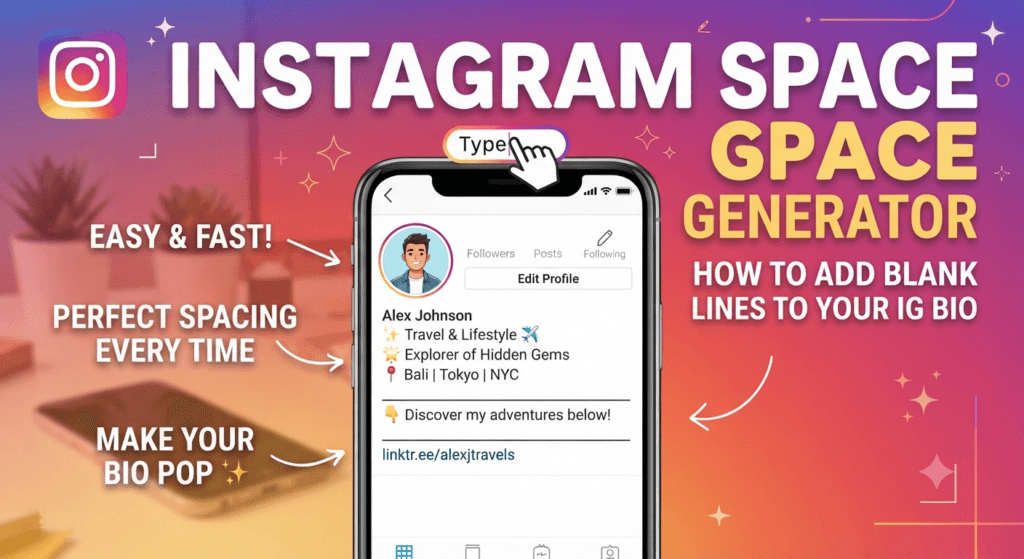
Instagram Space Generator: How to Add Blank Lines to Your IG Bio
Frustrated that Instagram deletes your line breaks? Here is the simple way to add blank lines to your IG bio that actually stay put when you hit save.
If you have ever tried to format your Instagram profile, you probably know the struggle. You carefully type out your bio, add a few blank lines to make it look clean, hit “Save,” and suddenly—poof. All your spacing is gone, and your bio is crammed into one messy paragraph.
Luckily, there is a quick fix. By using a free Instagram space generator, you can force the app to keep your line breaks exactly where you want them. In this guide, we’ll show you exactly how to add blank lines to your IG bio in under a minute.
Ready to format your bio?
Use our free tool to instantly generate invisible spaces for your Instagram bio.
Open IG Space Generator →Why Instagram Deletes Your Bio Spaces
To fix the problem, it helps to know why it happens. Instagram limits bios to 150 characters. To keep the app looking neat and prevent users from adding huge gaps, Instagram’s system is designed to automatically delete “empty” space.
When you press the “Return” or “Enter” key to create a blank line, Instagram sees a line with nothing on it. When you save your profile, the app trims that empty line out. That’s why your carefully spaced bio instantly collapses into a block of text.
How an IG Bio Space Generator Fixes This
An Instagram bio line break fix works by cheating the system just a little bit. Instead of leaving a line completely empty, the generator places a special, invisible character on that line.
Because there is technically a “character” on that line, Instagram’s system doesn’t delete it. But because the character is invisible to the human eye, it looks exactly like a blank line on your profile. It’s the perfect workaround for aesthetic Instagram bio spacing.
Step-by-Step: How to Add Blank Lines to Your IG Bio
Here is the exact process to format your bio using the Toolriz Instagram space generator tool.
- Open the Generator: Go to the Instagram Bio Space Generator on your phone or computer.
- Type Your Bio: In the text box, type out your bio exactly how you want it to look. Use the “Enter” key to create your blank lines and gaps, just like you normally would.
- Copy the Text: Once your bio looks perfect in the tool, click the “Copy” button. This will copy the text along with the invisible spacing characters.
- Open Instagram: Open your Instagram app, go to your profile, and tap “Edit Profile.”
- Paste and Save: Tap on the “Bio” section, delete whatever is currently there, and paste your new text. Hit the checkmark or “Save” in the top right corner.
Aesthetic Instagram Bio Spacing Ideas
Want to make your profile stand out? Here are a few ways you can use blank lines to create a clean, professional-looking Instagram bio:
1. The Centered Look
Use spaces before your text to push it to the middle of the screen, followed by a blank line, then another centered line.
2. The Business Bio
Separate your business info from your call-to-action (CTA) so it’s easy for customers to read.
3. The Minimalist Bio
Less is more. Use double spacing to make a short bio look elegant.
Want to understand the technical side?
If you’re curious about exactly why Instagram’s parser deletes empty lines and which invisible Unicode characters make this trick work, check out our complete guide: Instagram Bio Space Generator: The Complete Guide (2026).
Frequently Asked Questions
How do I add blank lines to my Instagram bio?
You can add blank lines by using an Instagram space generator. The tool adds invisible characters to your empty lines, tricking Instagram into keeping the spacing when you save your profile.
Does the Instagram space generator work for Android and iPhone?
Yes! Because the tool uses standard text characters, it works perfectly on both iOS and Android devices, as well as on the Instagram web browser.
Will using invisible characters hurt my Instagram account?
No. Using an IG bio space generator does not violate Instagram’s terms of service. It is simply a text formatting trick and will not get your account banned or shadowbanned.
Do invisible characters count toward my 150-character limit?
Yes, invisible characters do count as regular characters. While they take up very little space, if your bio is exactly 150 characters, you may need to shorten your text slightly to make room for the line breaks.